How do I redeem my Loyalty Reward points for my subscribe and save account?Updated 8 months ago

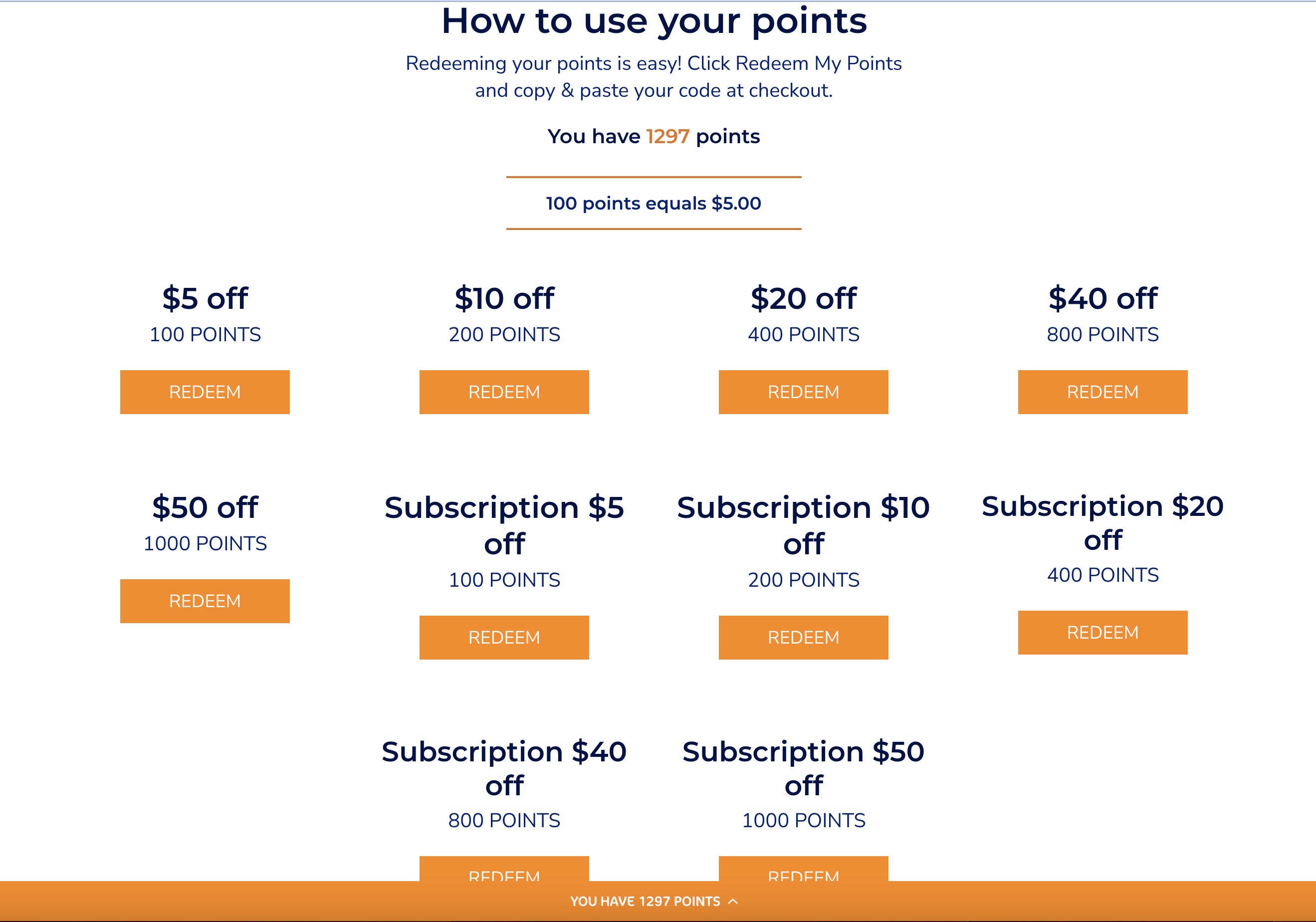
If you want to apply your reward points to a subscription order, make sure to select the "SUBSCRIPTION $$ OFF" option when redeeming points as it is specifically designed for subscription accounts and is the only way to apply your points to your subscription.
Not sure how? We've got a step-by-step video:
Video tutorial on how to redeem Loyalty points against your next subscription order HERE!!
Please make sure you select one of the redeem boxes that reads "Subscription $ off" to apply the reward to your subscription account. If you do not select "Subscription $ off", it will not apply to your subscription account.